Many people believe that cyberattacks only happen when someone clicks an obvious scam link. In reality, some of the most dangerous digital threats operate silently in the background. Malware and spyware can infect your phone, tablet, or computer without obvious warning signs—quietly stealing data, tracking activity, and exposing your finances.
Understanding how these hidden threats work is essential for protecting both your digital life and your financial security.
What Is Malware?
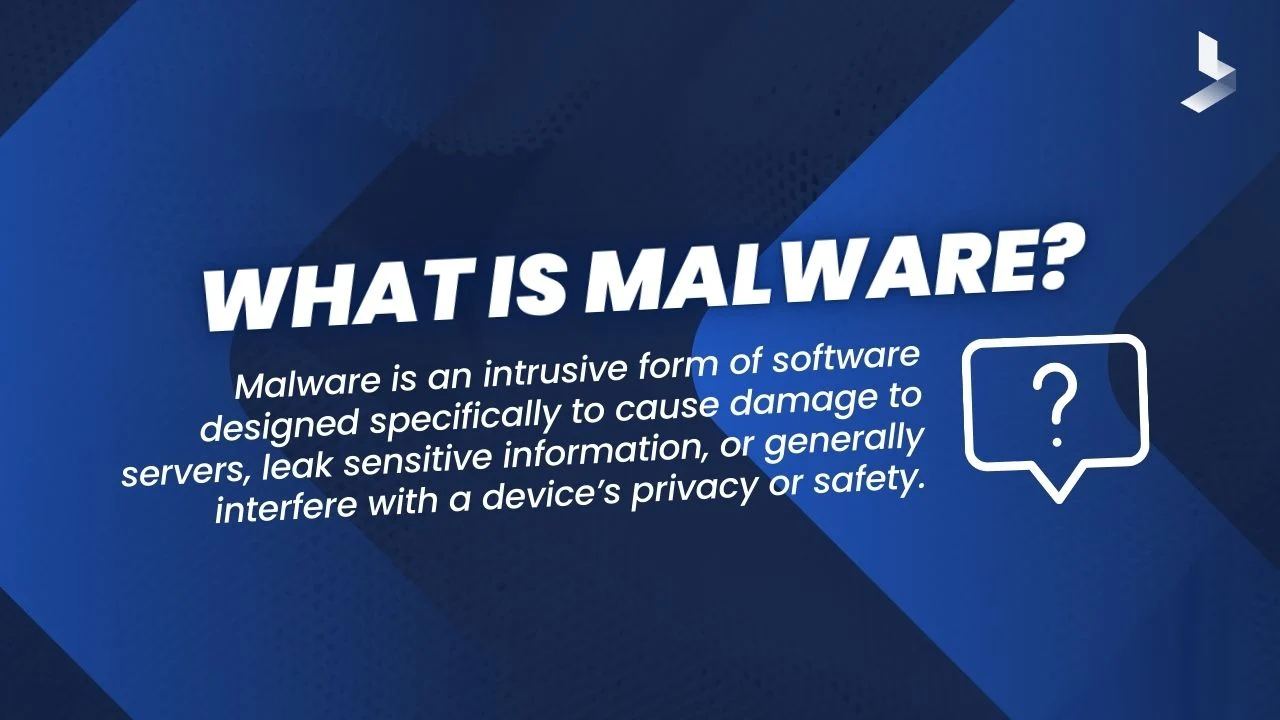
Malware is short for “malicious software.” It includes any program designed to damage devices, steal information, spy on activity, or gain unauthorized access. Common types of malware include:
-
Viruses that spread through files
-
Trojans disguised as legitimate programs
-
Ransomware that locks your data for payment
-
Keyloggers that record everything you type
-
Adware that floods your device with pop-ups
-
Spyware that secretly monitors your activity
Unlike physical theft, malware attacks often go unnoticed for long periods of time.
What Is Spyware and Why It’s So Dangerous
Spyware is one of the most invasive forms of malware. It silently collects information such as:
-
Passwords
-
Banking logins
-
Messages and emails
-
Browsing history
-
Photos and files
-
Location data
Because spyware does not always slow down your device or show visible errors, victims may have no idea they are being observed while their information is quietly harvested.
How Devices Get Infected
Most malware does not appear on devices by magic. It enters through everyday actions that seem harmless:
-
Downloading free software from untrusted websites
-
Clicking fake “update” pop-ups
-
Opening infected email attachments
-
Installing cracked or pirated apps
-
Visiting unsafe websites
-
Plugging in infected USB drives
-
Falling for fake tech support scams
Attackers disguise malware as games, productivity tools, video players, and even security apps. Once installed, the damage begins quietly.
Mobile Devices Are Not Immune
Many people assume that only computers get viruses. This is no longer true. Smartphones now store:
-
Banking and payment apps
-
Authentication apps
-
Personal photos
-
Emails and work files
-
Contact lists
-
Location history
A single infected app can harvest vast amounts of personal and financial data in minutes.
Warning Signs That Your Device May Be Infected
Some malware shows subtle symptoms. Common red flags include:
-
Slower-than-usual device performance
-
Battery draining very fast
-
Overheating without heavy use
-
New apps you don’t remember installing
-
Excessive pop-up ads
-
Browser redirects to strange sites
-
Unusual data usage
-
Login attempts you didn’t make
These signs do not always confirm malware—but they are strong indicators that something is wrong.
Why Malware Is a Direct Financial Threat
Malware is not just a technical nuisance—it is a financial weapon. Modern malware can:
-
Steal banking credentials
-
Capture credit card data
-
Record every keystroke
-
Hijack payment apps
-
Drain crypto wallets
-
Sell your identity on dark marketplaces
-
Lock your financial files with ransomware
Many victims only realize something is wrong after their money is already gone.
Ransomware: When Your Files Become Hostages
Ransomware is one of the fastest-growing digital threats. It encrypts your files and demands payment—often in cryptocurrency—in exchange for unlocking them. Victims may lose:
-
Financial records
-
Personal photos
-
Business documents
-
Work files
-
Entire systems
Paying the ransom does not guarantee recovery, and many victims never get full access restored. Prevention is far more powerful than any cure.
How to Protect Your Devices from Malware
You do not need advanced technical skills to create strong protection. The most important habits include:
-
Only download apps from official app stores
-
Never trust random pop-up “updates”
-
Avoid pirated software and cracked programs
-
Do not open unexpected attachments
-
Use reputable antivirus and security apps
-
Keep all devices updated with the latest software patches
-
Disconnect immediately if a device behaves oddly
-
Be cautious with USB drives and external devices
These habits dramatically reduce your risk of infection.
The Importance of Backup Protection
No security system is perfect. That is why backups are a vital part of digital security. If ransomware or malware destroys your files, a clean backup may be the only way to fully recover without paying criminals.
Safe backup practices include:
-
Using encrypted cloud backups
-
Keeping offline external backups
-
Updating backups regularly
-
Testing recovery periodically
Backups turn catastrophic losses into manageable inconveniences.
What to Do If You Suspect Malware
If you believe your device is infected:
-
Disconnect from the internet
-
Run full antivirus and anti-malware scans
-
Change important passwords from a clean device
-
Monitor bank and credit accounts closely
-
Consider professional technical help if needed
-
Wipe the device and reinstall the system if infection is severe
Ignoring malware allows more time for data theft and financial damage.
Final Thoughts
Malware and spyware succeed because they remain unseen. They do not announce themselves. They simply watch, record, and steal—often for months before being detected. The strongest defense is not fear, but consistent digital caution.