In today’s world, your personal information is more valuable than ever. Every online account, purchase, message, and login creates data that can be tracked, stored, hacked, or exploited. While the internet offers convenience and opportunity, it also exposes people to identity theft, financial fraud, and privacy invasion. Digital security is no longer optional—it is a basic life skill.
Understanding how to protect your personal information online is the first step toward defending your finances, identity, and peace of mind.
What Is Digital Security?
Digital security refers to the practices and tools used to protect your personal data, devices, and online identity from unauthorized access, misuse, or theft. This includes protection against:
-
Hackers and cybercriminals
-
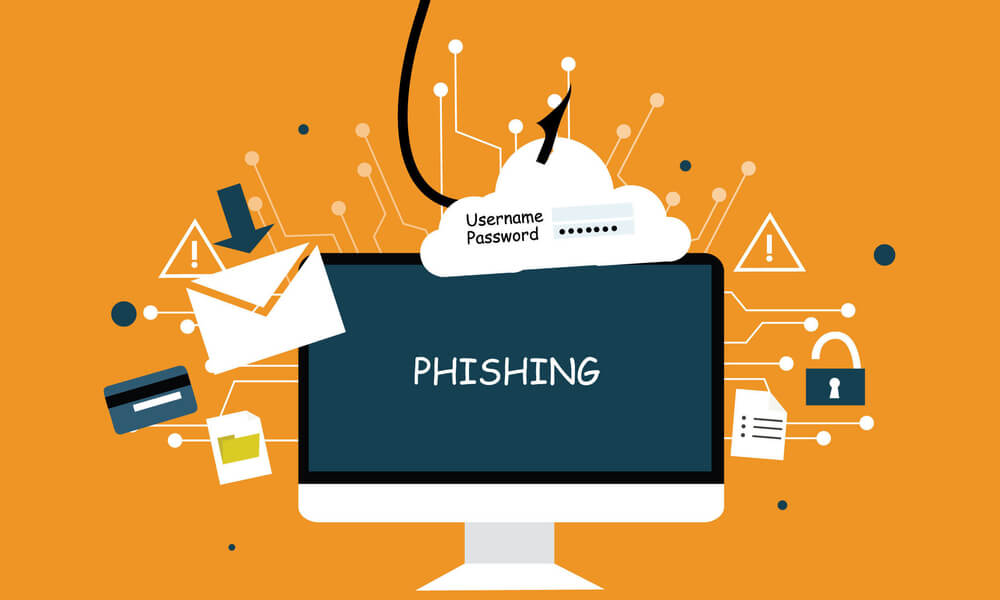
Phishing scams
-
Malware and spyware
-
Data breaches
-
Account takeovers
-
Identity theft
Digital security is not only for large corporations. Everyday users are often the easiest and most profitable targets.
Why Personal Data Is So Valuable to Criminals
Your personal data allows criminals to pretend to be you. With enough information, they can:
-
Open credit accounts in your name
-
Access your bank and payment apps
-
Reset passwords to take over accounts
-
File fake tax returns
-
Run scams using your identity
Even simple details like your full name, email, phone number, and date of birth can be enough to cause serious harm when combined with other leaked information.
Common Ways Personal Information Gets Stolen
Most people imagine hacking as complex code-breaking. In reality, many attacks succeed because of simple mistakes or manipulation.
The most common attack methods include:
-
Phishing emails and fake websites that trick users into entering passwords
-
Weak or reused passwords across multiple accounts
-
Public Wi-Fi interception in cafes, airports, and hotels
-
Fake apps and downloads containing hidden malware
-
Data breaches from companies that store your information
-
Social engineering, where attackers manipulate people into giving up details
Digital criminals do not break in through strength—they enter through human error.
The Foundation of Online Protection: Strong Passwords
Passwords are still the first line of defense for most accounts. Weak passwords are one of the biggest causes of account takeovers.
A strong password should:
-
Be long (at least 12 characters)
-
Include letters, numbers, and symbols
-
Be unique for every account
-
Avoid names, birthdays, or common words
Using the same password everywhere is extremely dangerous. If one site is breached, attackers can instantly access every other account you own.
Password managers are one of the safest tools available today. They store and generate strong passwords so you don’t have to remember them all.
Two-Factor Authentication: Your Digital Deadbolt
Two-factor authentication (2FA) adds a second verification step after your password—such as a code sent to your phone or generated by an app. Even if someone steals your password, they cannot access your account without this second factor.
2FA should be enabled on:
-
Email accounts
-
Banking and payment apps
-
Social media
-
Shopping accounts
-
Cloud storage
-
Work platforms
It is one of the easiest and most powerful ways to block unauthorized access.
The Hidden Dangers of Public Wi-Fi
Public Wi-Fi networks are convenient but risky. Many are unencrypted, meaning attackers can intercept data being sent across the network. This puts your:
-
Logins
-
Banking activity
-
Messages
-
Emails
-
Personal files
at serious risk.
Avoid accessing sensitive accounts on public Wi-Fi. If you must use it, a trusted VPN (Virtual Private Network) can add an extra layer of encryption.
Why Software Updates Are a Security Tool
Many people delay system updates because they feel inconvenient. In reality, updates are digital security patches. They fix known vulnerabilities that hackers actively exploit.
Outdated software on:
-
Phones
-
Laptops
-
Browsers
-
Apps
-
Routers
create open doors for malware and spyware. Keeping devices updated is a simple but critical protection habit.
Social Media Oversharing: A Major Security Risk
Criminals often don’t need to hack—you may already be giving them the answers. Publicly sharing:
-
Your birthday
-
Your hometown
-
Your pet names
-
Your travel plans
-
Your workplace
-
Your daily routines
makes it easier for attackers to guess security questions, impersonate you, and launch targeted scams.
Privacy is not secrecy—it is protection.
Digital Security Is Financial Security
Many people separate “tech safety” from “money safety,” but they are deeply connected. Most financial theft today starts with digital access, not physical theft. Once attackers control your email, they can:
-
Reset banking passwords
-
Block fraud alerts
-
Drain accounts
-
Apply for loans
-
Lock you out of your identity
Protecting your digital life is directly protecting your money.
Final Thoughts
Digital security is not about fear—it is about awareness and control. You don’t need to be a tech expert to stay safe. You only need to understand the most common risks and build protective habits into your daily online life.
Your personal information is valuable. Protecting it protects:
-
Your finances
-
Your identity
-
Your reputation
-
Your future